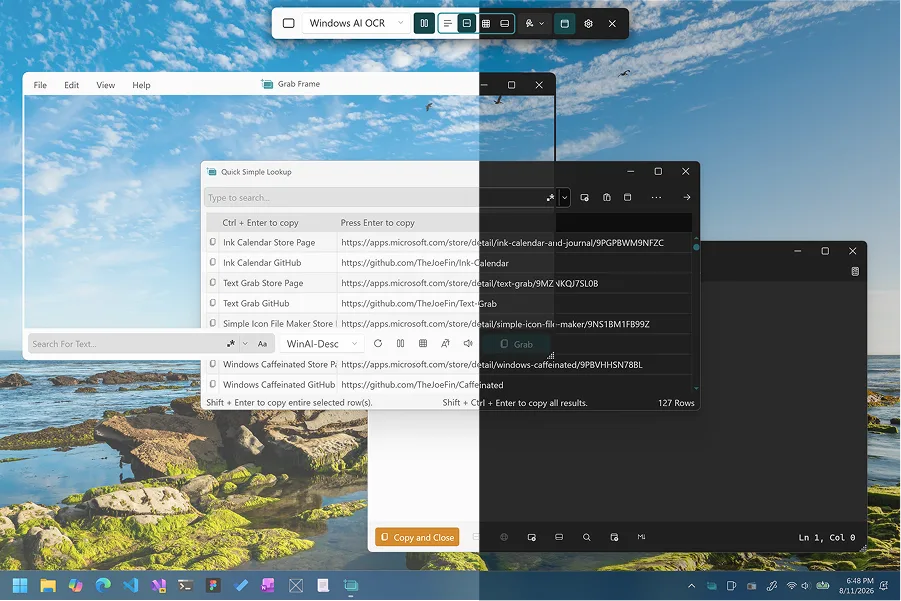
Check architecture
Open Settings → System → About and read the System type line. x64-based processor maps to Text-Grab.exe. ARM-based processor maps to Text-Grab-arm64.exe. Download from GitHub Releases.
Windows baseline
Upstream README requires Windows 10 or later for Windows OCR API features. Copilot+ WinAI features need Windows 11 on a Copilot+ PC with the Store install path. Related: exe or ARM, Windows install, home.
If the lab blocks exe files
Managed images may block unknown executables. Use an approved Store path when available, or wait for a PC you control. Do not fetch Softonic-style wrappers to bypass a policy. Download-safe: download safe.
Step through the chooser
Stand at the PC that will run the OCR. Open Settings → System → About. Read System type. If it says x64-based processor, download Text-Grab.exe from the current GitHub Releases tag. If it says ARM-based processor, download Text-Grab-arm64.exe from the same tag. Do not guess from the marketing name of the laptop alone.
Run the installer, launch Text-Grab once, and confirm Full-Screen Grab or Grab Frame is available. Paste a region of clear printed text into Notepad. That single paste is the proof that this computer is ready. Only then open Edit Text Window for cleanup, or Grab Frame for a parked window over a live app.
When the Store is the better door on this PC
Some workplaces already allow Microsoft Store apps and block unknown exe downloads. On those machines, the Store listing for Text-Grab is the practical official door. Copilot+ WinAI features also expect the Store path on supported hardware per upstream README. If you install from the Store, plan Store updates later instead of mixing in a GitHub exe.
If you control the PC and just need everyday WinRT OCR, GitHub Releases Text-Grab.exe (or the ARM64 exe) remains the mapped path on this guide. Self-contained zips are optional when you want a portable layout.
Language packs and first failures
WinRT OCR follows Windows language packs. If recognition skips the script you care about, add the language in Windows Settings and retry the same region before you reinstall. A missing language pack looks like a broken download even when the binary is fine.
SmartScreen may warn on first launch of a newly downloaded exe. Prefer the official asset. If the PC is locked down and blocks the file entirely, stop. Do not fetch Softonic-style wrappers to bypass the policy. Download-safe notes: download safe. Longer install: Windows install. Architecture detail: exe or ARM.
After this computer works
Keep one update door. Use the same Releases page or the same Store listing you used today. Guides for capture, fullscreen OCR, copy cleanup, languages, and troubleshooting live under guides. Cluster pages cover releases and GitHub when you need asset names or repo layout again.
Borrowed PCs and short sessions
A machine you return in twenty minutes is a poor place to leave a new OCR install. Prefer a PC you administer, or use whatever approved tool is already present. If you must install today, prefer the Store listing when policy blocks GitHub exe files, and remove the app before you hand the device back if the owner did not ask for it.
On a PC you own, take five minutes for About → architecture → matching exe → one Full-Screen Grab paste. That sequence beats downloading three mirrors because the first launch felt slow. Related troubleshooting: troubleshooting. First-run notes: first run.
Self-contained zip on this PC
If Settings already told you the architecture and you still prefer a folder you can delete later, take the matching self-contained zip from the same GitHub Releases tag. Unpack it somewhere you control, launch Text-Grab from that folder, and run the same Full-Screen Grab paste test. Zip layouts skip the usual installer, so remember the folder path when you want to remove the tool later.